
Maps for game masters, writers and worldbuilders
AIImagine fantasy map generator: draw the world you imagine
Describe a world in a sentence or upload your sketch, pick one of five styles, and get an illustrated map in about a minute. Names sit on a layer you edit, so they are always spelled your way.
- Names you can edit and curve
- Battle grids to the pixel
- 73 free credits: your first map
AIImagine (aiimagine.ai) is independent. It is not affiliated with the Imagine AI app or Meta's Imagine.
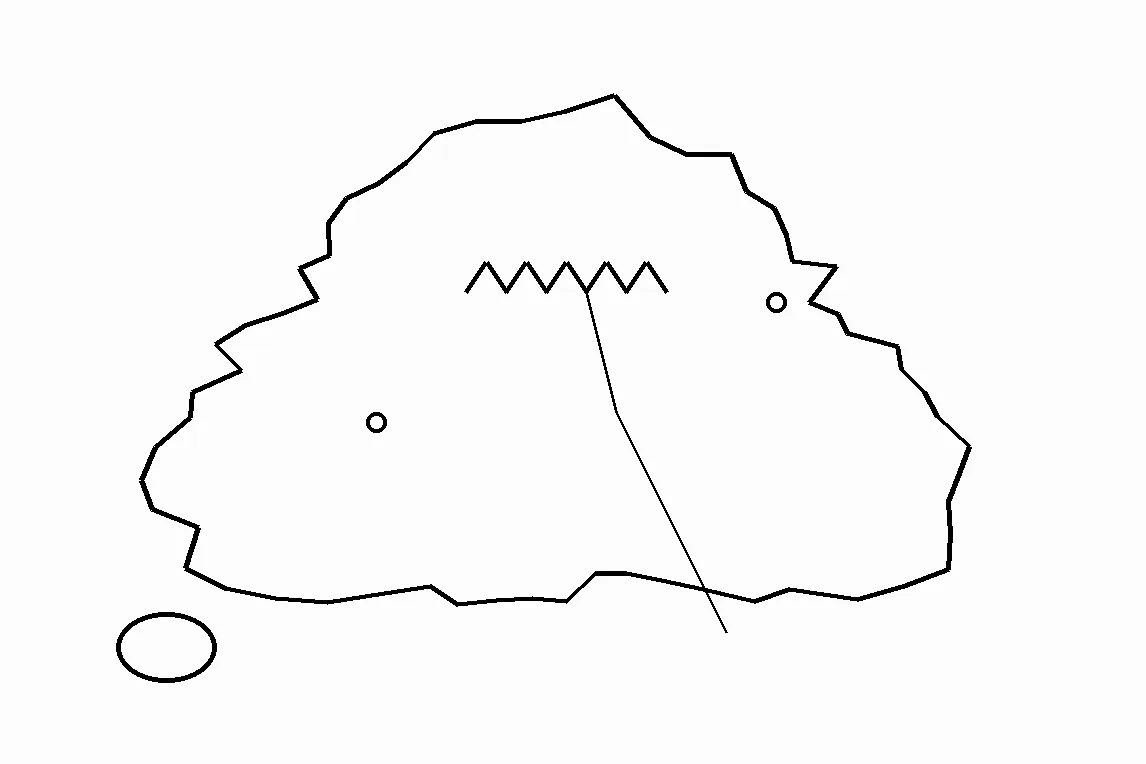
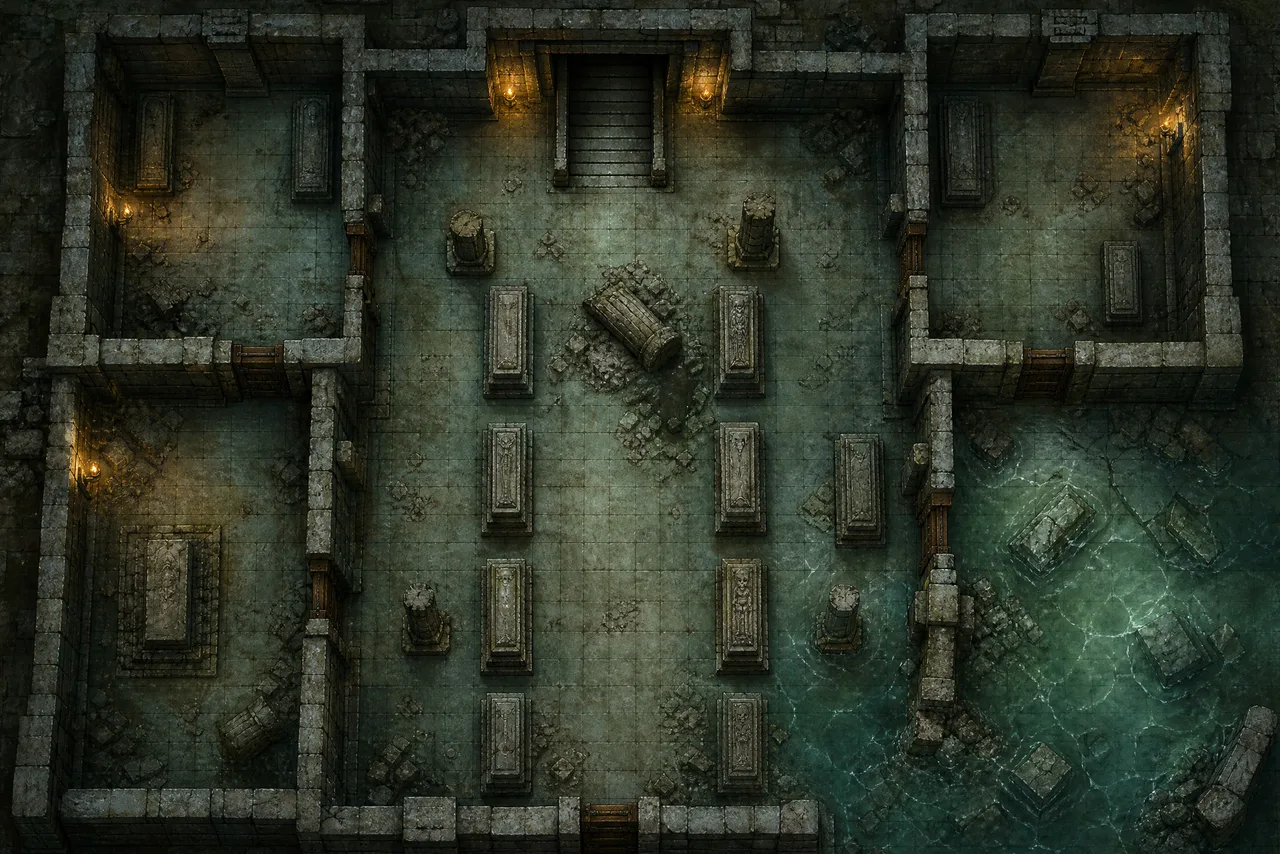
Flooded crypt, painted top-down
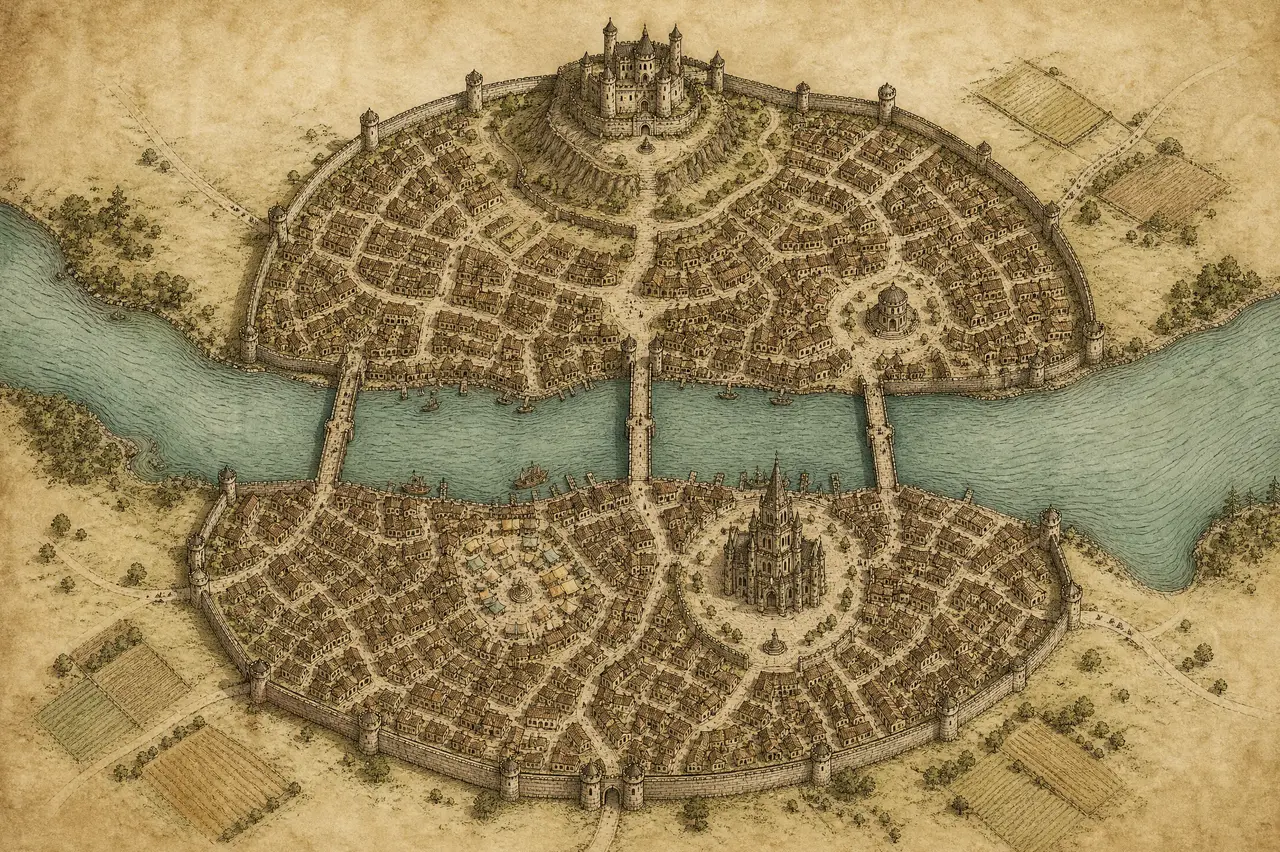
Walled river city, inked parchment
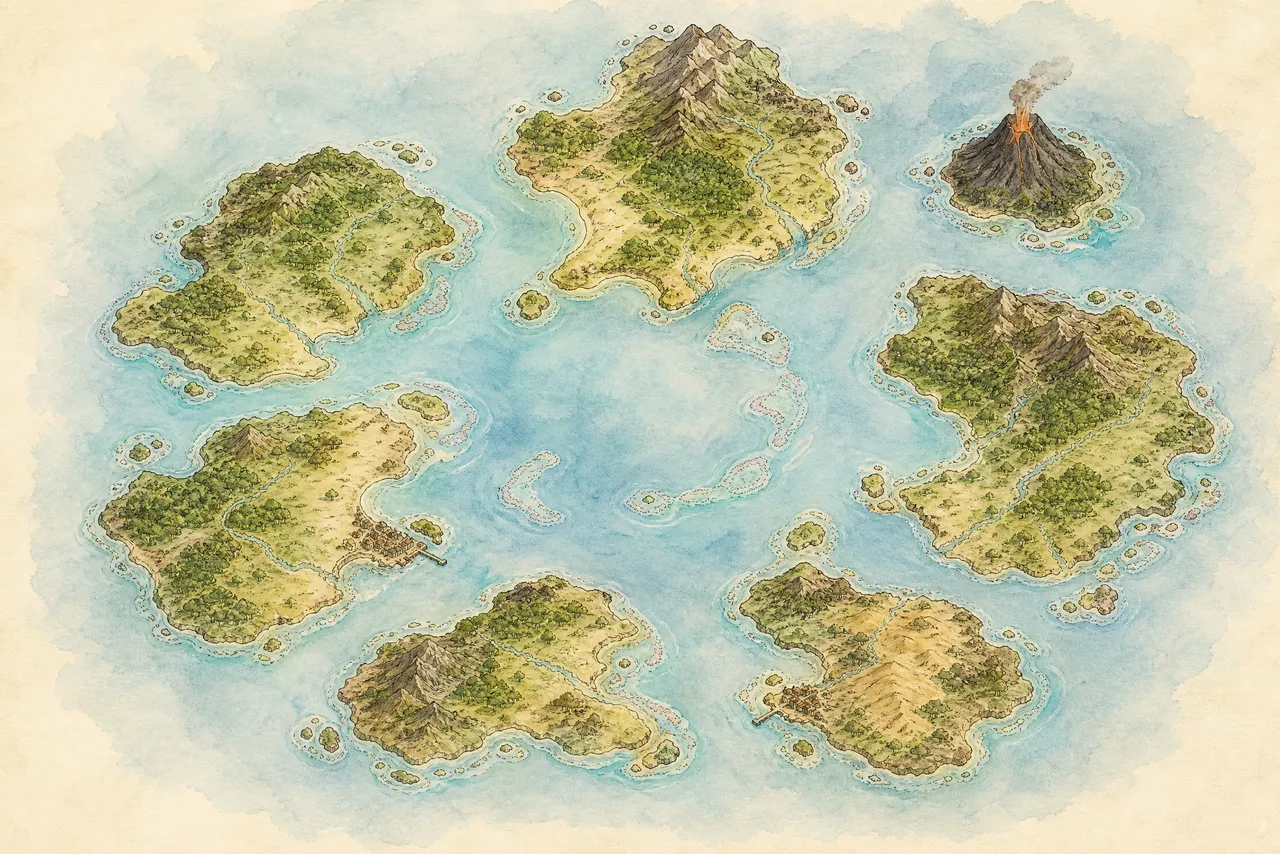
Seven-island archipelago, watercolour
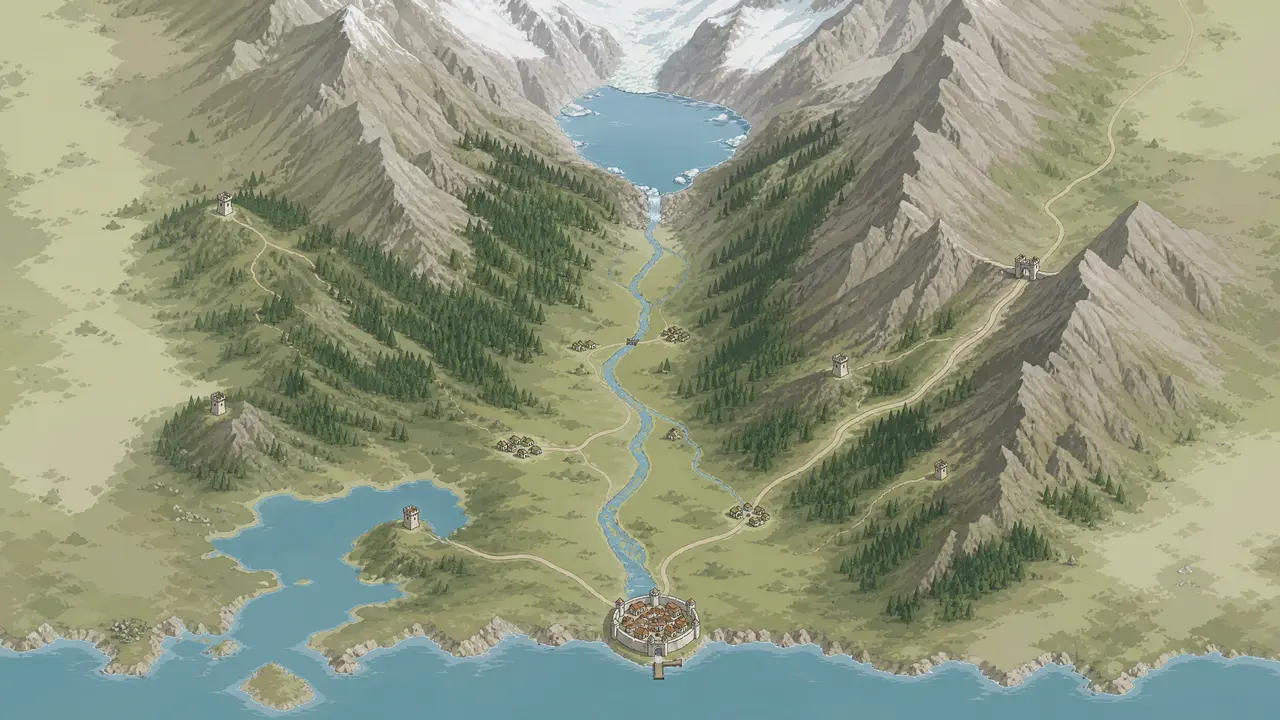
Mountain valley, modern atlas
Make a map
Choose the map type, write a short brief or add a sketch, then pick a style. Each map is 2K and arrives without lettering, ready for your names.
Location and creature cards
An illustration in the same style as your map, for handouts and session notes.
Map types
Fantasy map maker for four kinds of map
Every type uses the same brief, styles and label layer, so a world map, a city and a battle map can share one look.
World map
A whole continent or archipelago seen from above: coasts, ranges, rivers, forests and the towns between them. Good for the inside cover of a novel or a campaign overview.
More world maps and tips are on the world map generator page.
Region map
One kingdom, valley or coastline in more detail, with roads, passes and lakes. Use it for the area your party is crossing this month.
Credit costs for every map type are listed on pricing.
City map
A walled town or port from above: districts, streets, the harbour, the castle, the market square. Label the quarters yourself afterwards.
Walls, districts and harbours: see the city map generator.
Battle map
A top-down encounter map (tavern, dungeon, forest road) with a grid you size in squares and pixels per square, for any virtual tabletop.
Scenes, grids and VTT files are covered on the DnD map generator page.
Maps and cards made here
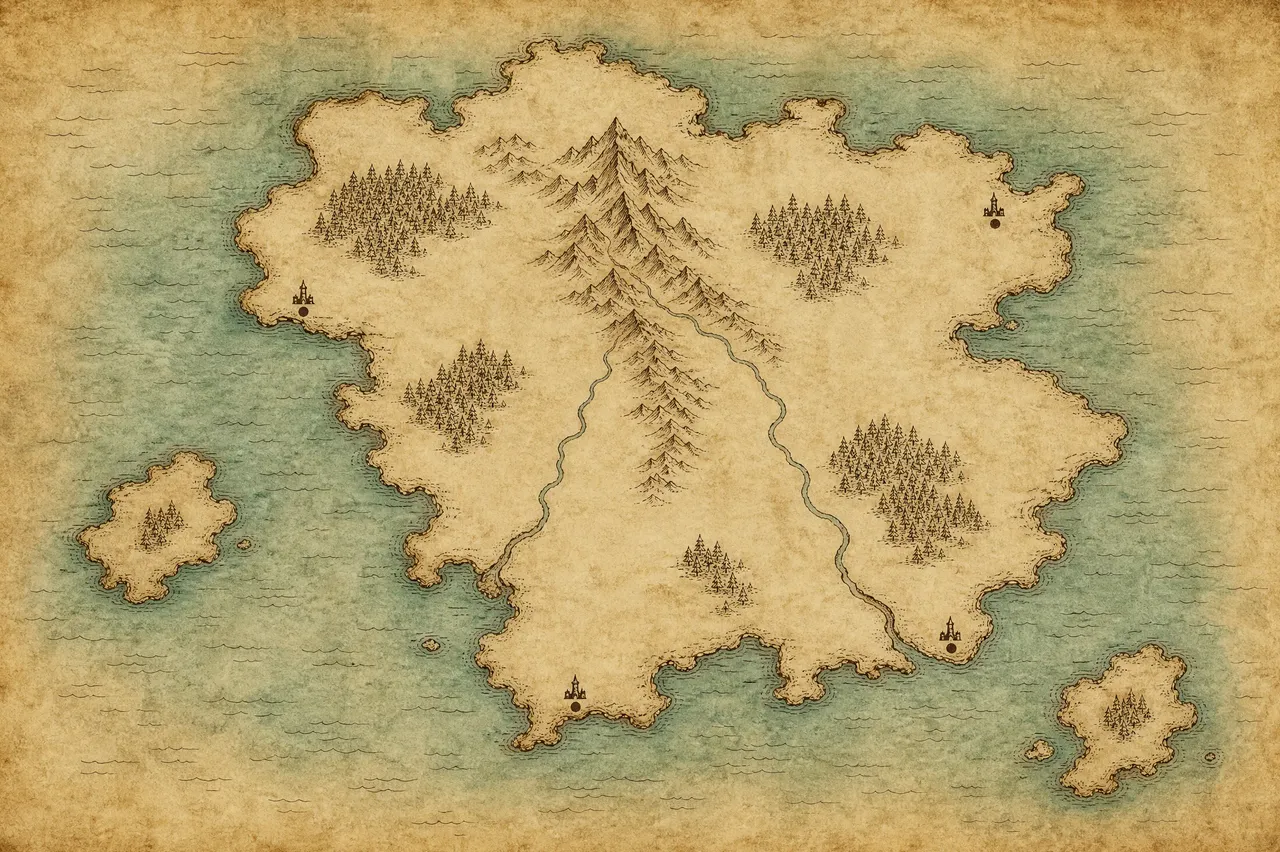
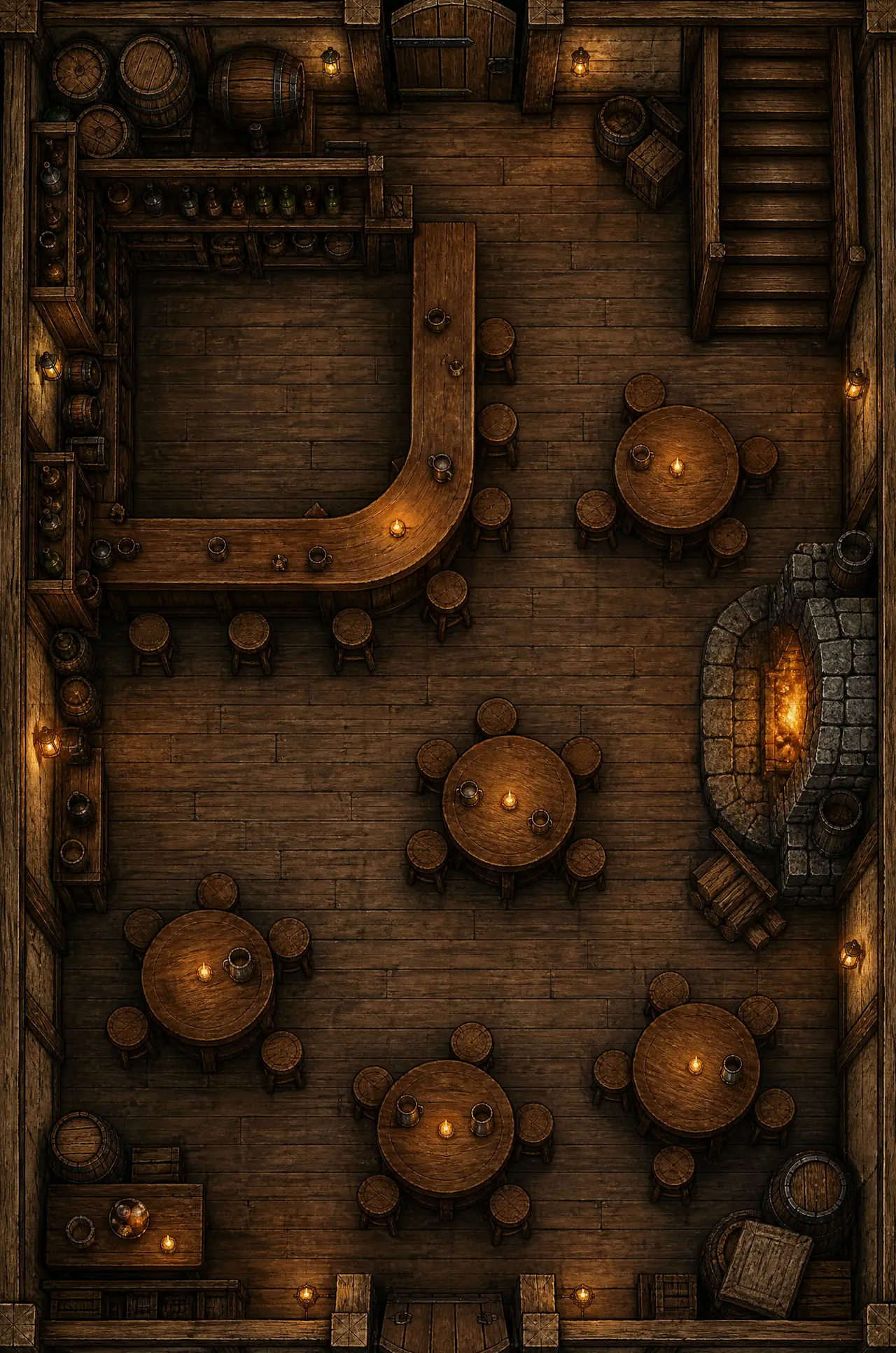
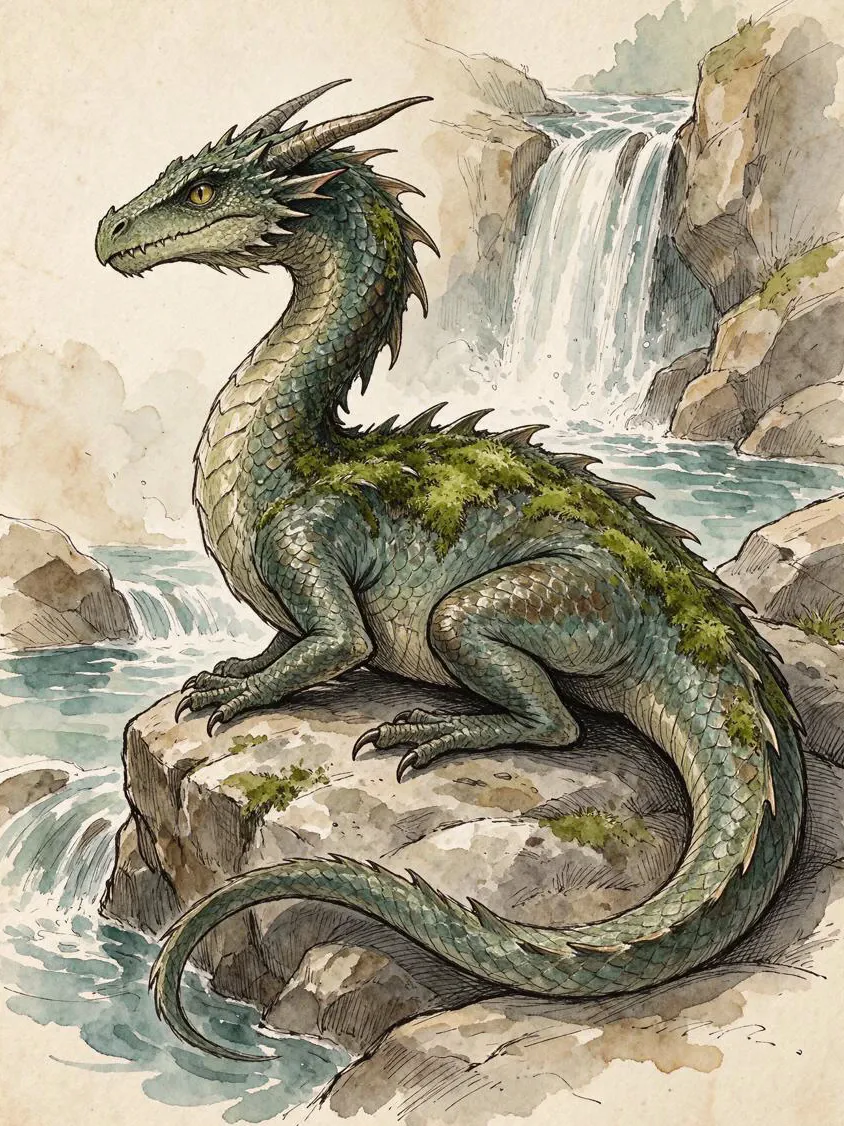
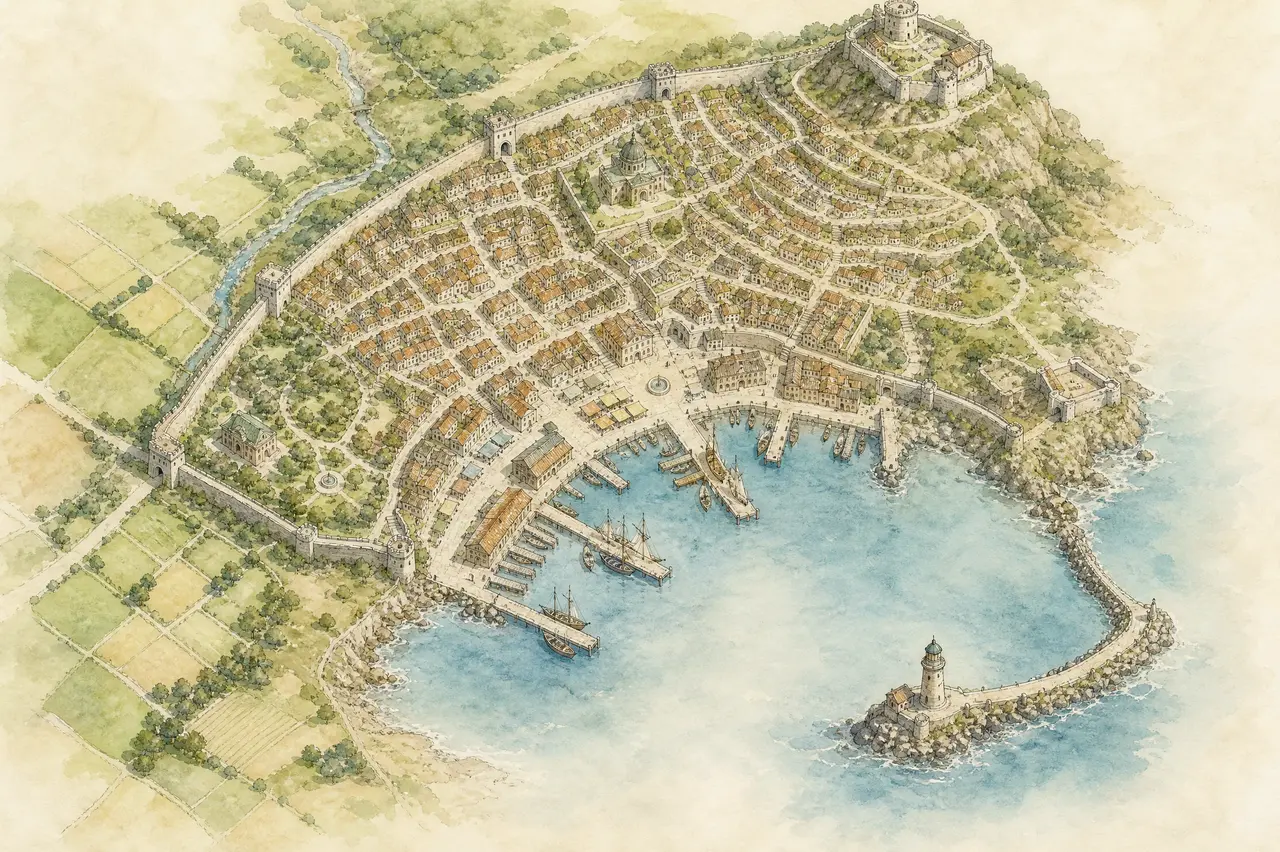
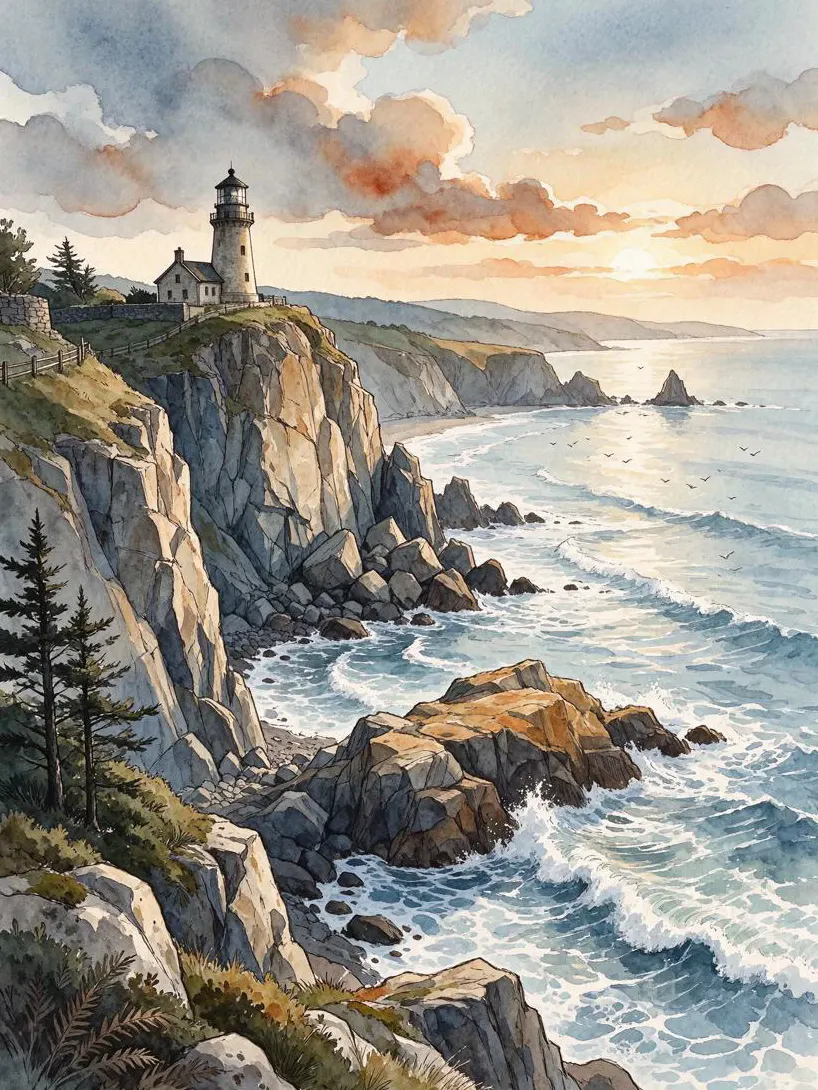
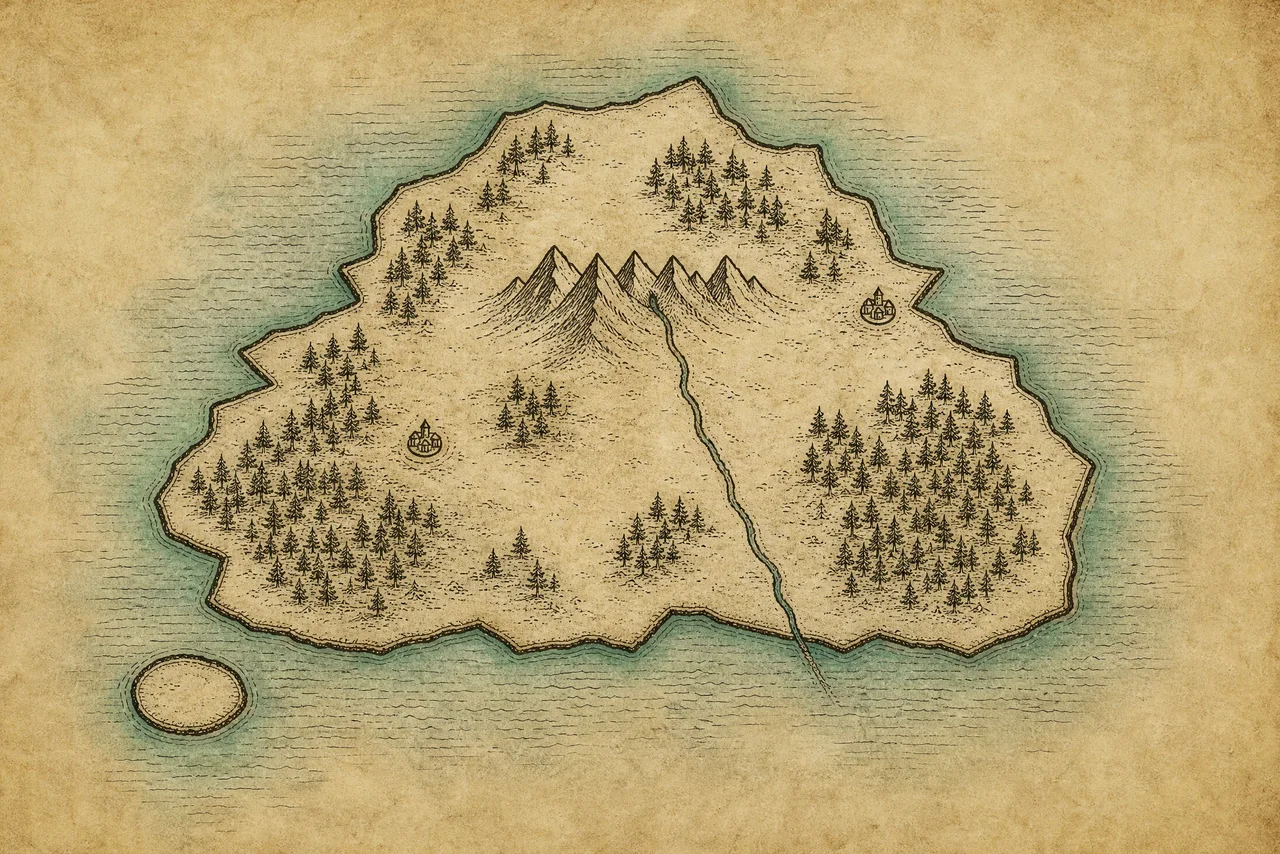
Every example was made by this site's own jobs for an invented world. Names are left off so you can see the bare map.
Label layer
Names stay editable, the grid stays exact
Image models misspell words, so maps come out with no lettering at all. Everything you read on the map is drawn by your browser and can be changed for free.
Curved, movable labels
Drag a name into place, bend it along a river or range, rotate it, space the letters, set the font, size, colour and halo. Changes save as you go.
Compass rose and scale bar
Switch on a compass rose and a scale bar, drag them to a quiet corner, and write your own scale, such as 10 leagues.
A grid measured in pixels
Set columns and rows (6 to 60) and pixels per square (20 to 300). The PNG comes out at exactly columns × pixels wide, and a gridless copy is one click away.
Start from your sketch
Photograph a doodle or draw a rough outline. The map keeps your coastline and features. Sketches are deleted after 7 days.
4K poster for print
Re-render any saved map at 4K for a wall poster or a book endpaper, for 108 credits. Your labels export on top at full size.
One gazetteer per world
Keep region and town names with a one-line note each, written by you or suggested for 11 credits. Every new map in that world reuses them.
How it works
How to make a fantasy map
Three steps, and the first map is free.
- 1
Describe it or sketch it
Pick world, region, city or battle map, then write a sentence (two continents, a mountain spine, a river port) or upload a rough sketch.
- 2
Choose a style
Inked parchment, watercolour atlas, old sea chart, painted top-down or clean modern. The map arrives in about a minute with no lettering.
- 3
Name places and export
Add names from your gazetteer, curve them along rivers, add a compass and scale, then download the PNG, a gridless copy or a 4K poster.
Compared
An AI map generator next to the usual tools
Hand-drawn editors give total control and take hours. Procedural generators are instant but random. This sits between them.
| What you need | Hand-drawn editor | Procedural generator | AIImagine |
|---|---|---|---|
| A first map | Hours of stamping and painting | Seconds, but a random world | About a minute, from your brief or sketch |
| Your own names | Typed by hand | Generated, often hard to change | Your gazetteer, on an editable layer |
| An illustrated look | Depends on the asset pack | One flat look | Five painted and inked styles |
| A battle grid | Usually a manual overlay | Sometimes, at a fixed size | Columns, rows and pixels per square you set |
Pricing
Pay per map, edit labels for free
New accounts get 73 free credits once, enough for one 73-credit map. Labels, the grid, the compass and downloads never cost credits.
Every plan and pack: Editable label layer, compass and scale bar · Battle grid by columns, rows and pixels per square · Five map styles and sketch-to-map · 4K poster renders for print · Use maps in your games, books and streams.
Cartographer
Maps for a campaign or a book, about 25 maps a month
$7.59/month
Renews monthly · credits valid 31 days
- 1,875 credits
- Enough for about 25 maps
Atlas Maker
A whole atlas: world, regions, cities and battle maps
$16.49/month
Renews monthly · credits valid 31 days
- 4,340 credits
- Enough for about 59 maps
Realm Builder
Map-heavy campaigns and print posters, the lowest price per credit
$37.10/month
Renews monthly · credits valid 31 days
- 10,280 credits
- Enough for about 140 maps
Grand Atlas
One payment for a full atlas and print posters; credits never expire
$30.50one-time
One payment · credits never expire
- 6,730 credits
- Enough for about 92 maps
- Credits never expire
Team plans
One workspace with a shared credit pool, for gaming groups, writing rooms and studios. Priced per seat, at least 3 seats; the owner invites members from Settings → Team.
Gaming Table
Per seat: one shared credit pool for a group or studio
$14.79/seat/month
$44.37 a month in total
- 11,625 shared credits a month
- One shared credit pool for the team
- Usage by member
Worldbuilding Guild
Per seat, with a credit limit per member
$33.09/seat/month
$99.27 a month in total
- 27,510 shared credits a month
- One shared credit pool for the team
- Usage by member
- Credit limits per member
Free: 73 credits once, when you sign up and verify your email, with no card needed: enough for one map (73 credits). They never expire.
Money back within 7 days (monthly plans), 10 days (yearly plans) or 10 days (packs) if you used no more than 10% of the credits; you get back the unused part (a yearly plan is measured against the whole year's credits).
Fantasy map generator FAQ
What is AIImagine?
AIImagine (aiimagine.ai) is a fantasy map generator. It turns a short brief or your sketch into an illustrated world, region, city or battle map, then lets you place names, a compass rose, a scale bar and a grid on top in the browser.
Is the fantasy map generator free to try?
Yes. New accounts get 73 free credits once after verifying their email, enough for one map (73 credits). Editing labels, the grid and downloads are always free.
Why do the maps have no names on them?
Image models often misspell lettering, so every map is drawn without text. Names are added on a separate label layer that your browser draws, so they are spelled exactly as you type them and can be changed at any time.
Can labels curve along rivers and mountains?
Yes. Each label has an arc setting that bends it along a curve, plus rotation, letter spacing, font, size, colour, italic and a halo for legibility. Drag labels with the mouse or nudge them with the arrow keys.
What grid sizes work for a DnD battle map?
Set the number of columns and rows (6 to 60) and the pixels per square (20 to 300). Most virtual tabletops default to 70 or 100 pixels per square. The export is exactly columns × pixels wide, so it lines up with the table's grid; a gridless copy is included.
Can I turn my own sketch into a map?
Yes. Upload a photo or scan of a rough drawing (a coastline, a floor plan) and the map keeps its layout. Sketches are checked on upload and deleted automatically after 7 days.
Can I print a map as a poster?
Yes. Any saved map can be re-rendered at 4K for 108 credits. Download it with your labels drawn on top at full size, or without them.
Can it suggest place names for my world?
Yes. The gazetteer suggests region, town and landmark names with a one-line note each for 11 credits, and Surprise me rolls a whole world with names and its first map. You can edit or replace every name.
Which AI models draw the maps?
Maps and 4K posters are drawn with GPT Image 2 (OpenAI). Location and creature cards use Seedream 5.5 (ByteDance), and gazetteer names are written with Gemini (Google). AIImagine is independent and not affiliated with these companies.
How long are my sketches and maps kept?
Uploaded sketches are deleted 7 days after upload. Finished maps, posters and cards are kept for 30 days, so download the ones you want to keep. You can delete any of them sooner.
Is AIImagine the official Imagine AI website?
No. AIImagine is an independent fantasy map site at aiimagine.ai. It is not affiliated with, endorsed by or connected to the Imagine AI app or Meta's Imagine. Imagine AI and Imagine are trademarks of their respective owners.
Do failed maps cost credits?
No. A map, poster or card that fails to render is refunded automatically, and a brief refused by the content checks is never charged.
Updated
Your world is waiting for a map
Roll a random world with its own place names, or start from your sketch.
Surprise me